
Every video playing here was made in Seein
Generate AI video on your own device. Free.
Type one line and Seein makes the video, with sound, on your machine. No credits, no subscription. It costs the minutes it takes to render, and nothing else.
Sunriseaboveaseaofclouds.
Sunrise above a sea of clouds. The tops of glass skyscrapers rise through the soft white cloud layer, catching pink and gold light, the sky fading from deep blue to orange. The clouds drift slowly between the towers. Wide aerial shot, slow steady glide forward, calm, soft wind.
City above the clouds · LTX-2.5 High · 5 s · 7 min on an M3 Max
What one line makes
01 / 04
Render locally without a meter, or in the cloud on your key.
The same job, two ways, one switch in Settings. On your device a video costs the minutes it takes, not a credit; in the cloud, the provider's meter is the only bill.
Local models
The engine ships inside the app. The models download once; after that your device plans and renders every video, and there is no bill.
Apple Silicon today · macOS 14 or newer
One app
A short, an ad, a music video, a whole story — a storyboard, a cast, stills and a timeline editor behind them, all in one app, on your device.
The room where it happens.
The interface is the footage. Every page puts the video first, the controls beside it, and nothing hides in a log. Hover to look closer.
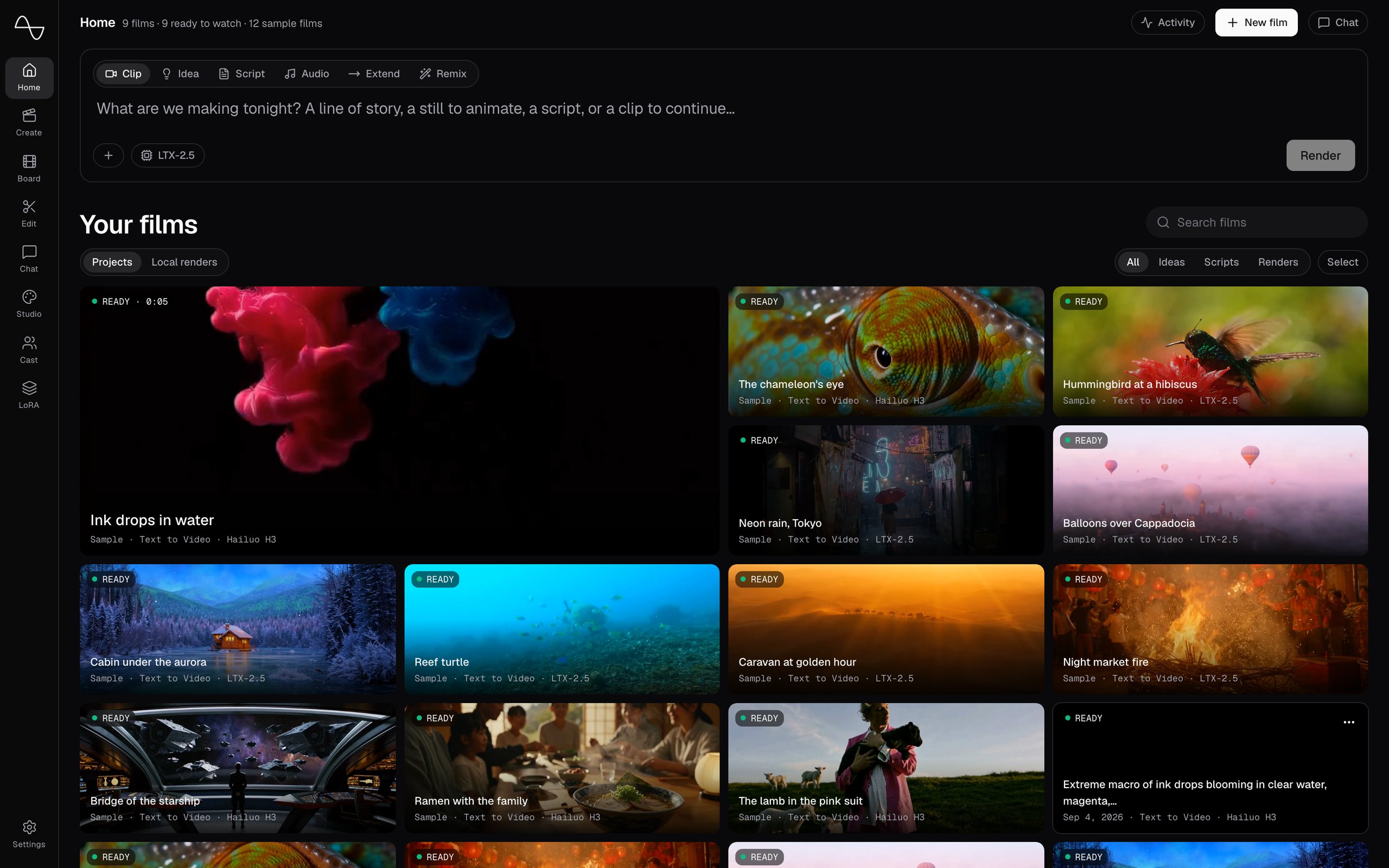
Your videos, the newest one playing.
Home shows your finished videos and plays the latest. The composer above them starts a new video.
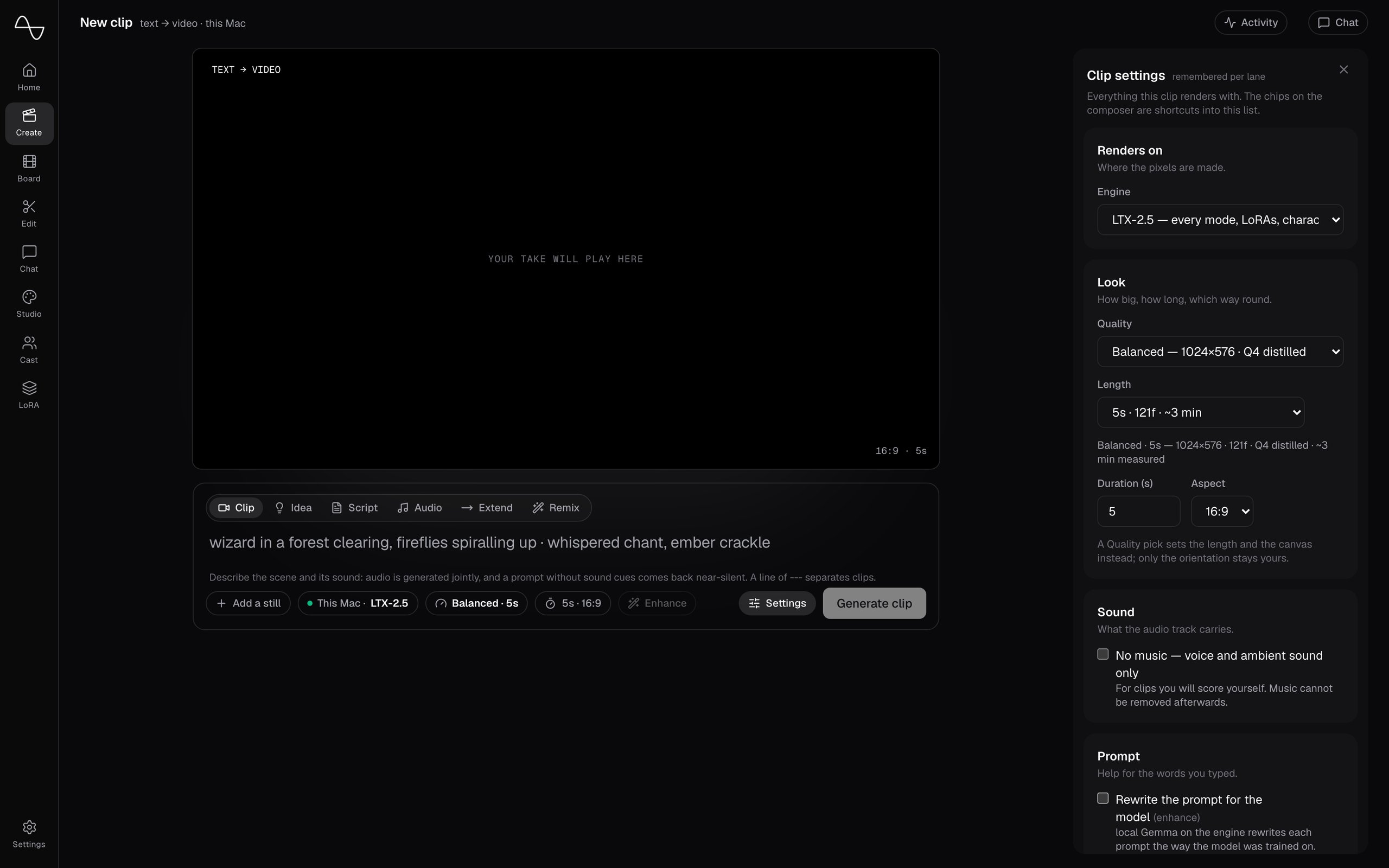
Every setting, beside your line.
Start from a line, a script, a voice clip or a clip to extend. Every setting is a chip beside the composer, with exactly its controls, in plain words.
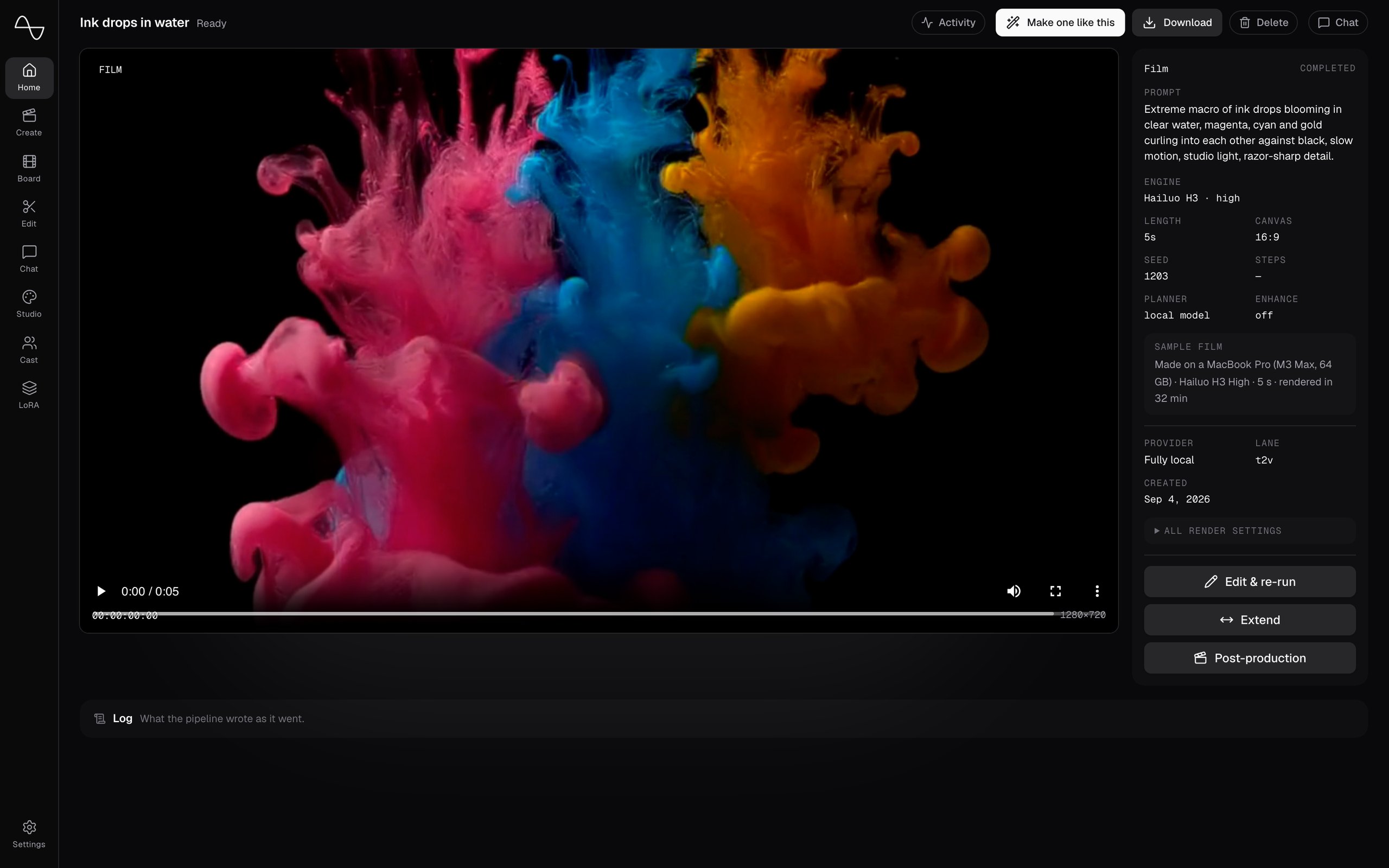
The making, in the open.
A video's page keeps the line, the engine and the seed of every shot, shows the stages and the cast while it renders, and plays the engine's live preview.
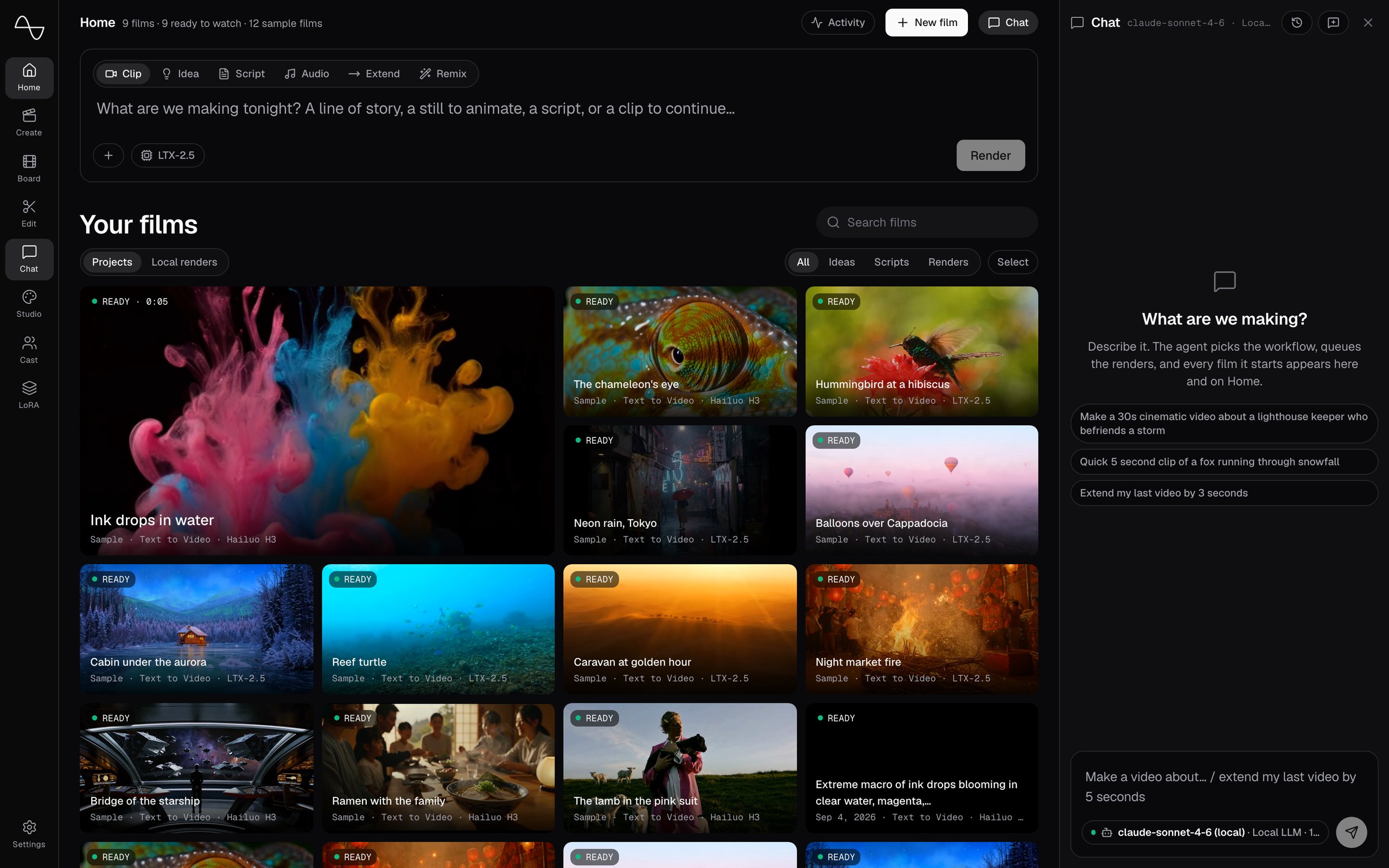
Or just ask.
Chat sits beside every page. Describe the video; it picks the workflow, queues the renders, and every video it starts appears in Home.
One line in. A video out.
A clip is one render. A story is planned first, then rendered shot by shot on your device, every stage in the open. Scroll, and watch one get made.
- 01
Write one line.
Or paste a script, or bring a voice clip. The composer is the whole interface: your line, the settings beside it, one button.
- 02
Seein plans it out.
- 03
The engine renders it.
- Your lineOne sentence, in the composerin progress
- Character ExtractionIdentifying characters from your narrative
- Portrait GenerationCreating visual portraits for each character
- Script CreationDeveloping the screenplay and dialogue
- Storyboard DesignDesigning the visual storyboard
- Shot PlanningPlanning camera angles and shots
- Reference SelectionSelecting reference images for consistency
- Frame GenerationGenerating individual video frames
- Video AssemblyAssembling the final video output
- The videoIn Home, ready to watch
Every room, one rail.
Everything the engine can do has a door in the app, and every door stays open. Nothing is simplified away.
Home
Your videos, the newest one playing.
Home
Your videos, the newest one playing.
Create
Start from a line, a script or a voice clip, or extend a clip you have.
Board
The storyboard: scenes and shots, drafted by a planner, yours to change.
Edit
A timeline: versions, auto-edit, fades, a soundtrack, export.
Chat
An agent beside every page: describe the video, it queues the renders.
Studio
Stills, text layouts, style LoRAs, and a frame set in motion.
Cast
Characters that keep the same face from shot to shot.
LoRA
Train a look or a person, on your own device.
Settings
Keys, the engine, storage — in plain words, no config files.
Put it on your Mac.
Apple Silicon, macOS 14 or newer. The app carries its own Python, ffmpeg and engine; the model weights download once, the first time you render on this Mac.
The first builds go out by hand. Say which Mac you have and what you would make; you get a download link when yours is ready.